Pegasus on iPhone (iOS)
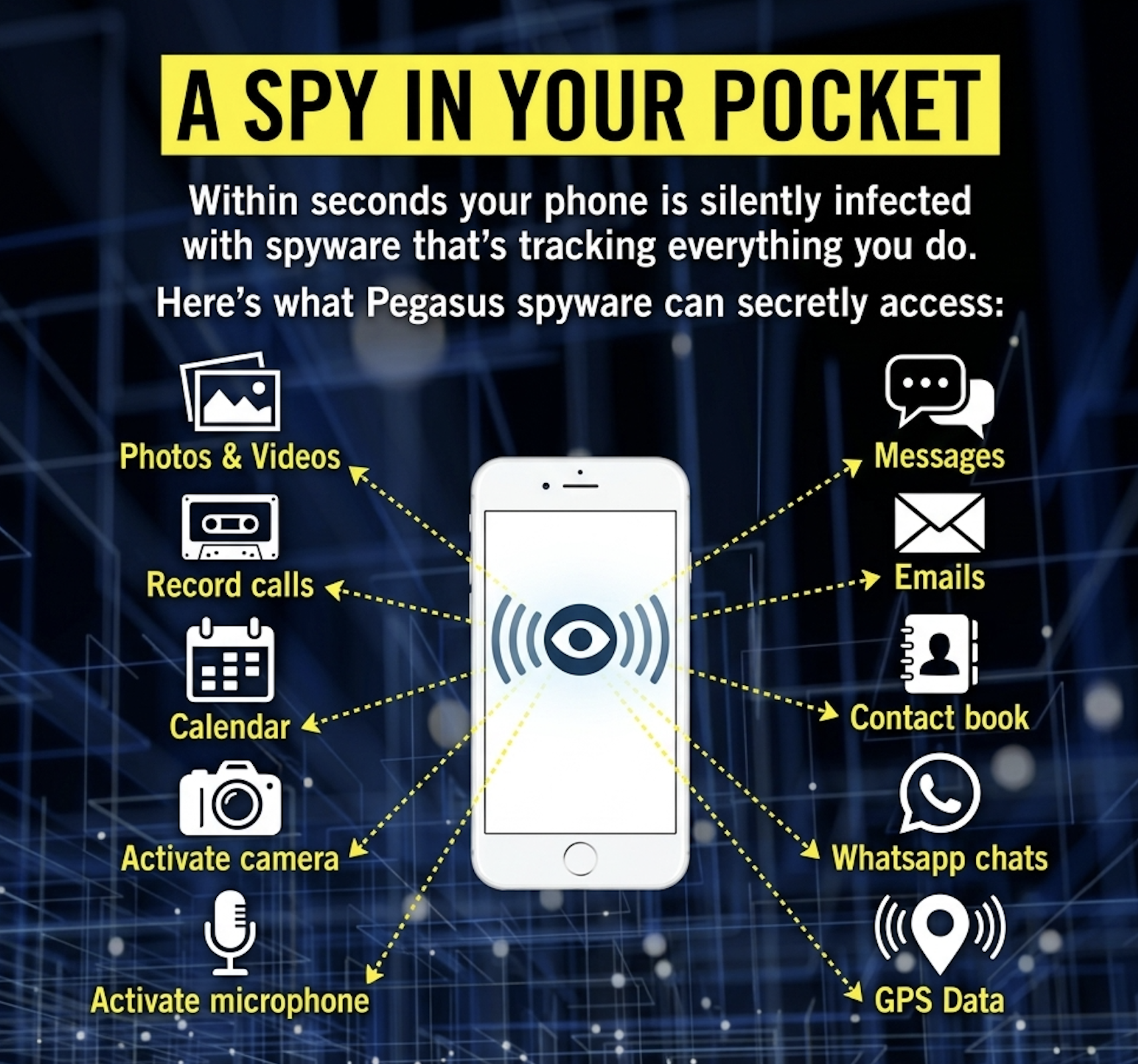
Pegasus has been documented on iOS since 2016. Apple's iPhone has been the primary target of NSO Group's zero-click exploits, including KISMET, FORCEDENTRY, and BLASTPASS. Apple has responded with Lockdown Mode, Threat Notifications, and rapid patching — but the cat-and-mouse game continues.
- 01iOS has been the primary target for Pegasus zero-click exploits since 2016
- 02Key iOS exploits: Trident (2016), KISMET (2019), FORCEDENTRY (2021), BLASTPASS (2023)
- 03Apple introduced Lockdown Mode in iOS 16 (2022) specifically to counter mercenary spyware
- 04Apple Threat Notifications alert users when state-sponsored attacks are detected
- 05Non-persistent iOS infections are harder to detect — they exist only in RAM
History of Pegasus on iOS
iOS has been the primary target for Pegasus since the spyware was first publicly documented. The closed nature of iOS, its large user base among journalists and politicians, and the richness of its messaging framework (iMessage) make it an attractive target.
| Exploit | Year | Vector | iOS Version | Interaction | Discovery |
|---|---|---|---|---|---|
| Trident | 2016 | SMS link | iOS 9 | One-click | Citizen Lab / Lookout |
| KISMET | 2019 | iMessage | iOS 12 | Zero-click | Citizen Lab |
| FORCEDENTRY | 2021 | iMessage (PDF) | iOS 14 | Zero-click | Citizen Lab |
| BLASTPASS | 2023 | iMessage (PassKit) | iOS 16 | Zero-click | Citizen Lab |
| LOCKDOWN-LESS | 2024 | iMessage variant | iOS 17 | Zero-click | Citizen Lab |
iMessage as an Attack Vector
iMessage has been the primary zero-click delivery vector for Pegasus on iOS. When an iPhone receives an iMessage, the operating system automatically processes and renders the message content — including attachments like images, PDFs, and PassKit passes — before the user ever sees it. This automatic processing is where Pegasus exploits live.
In iOS 14, Apple introduced BlastDoor — a sandboxed parsing service that processes iMessage content in an isolated environment. BlastDoor was designed to limit the damage of parsing vulnerabilities by isolating them from the rest of the system. However, FORCEDENTRY (discovered the same year) bypassed BlastDoor by exploiting a vulnerability in the PDF rendering library used within it.
Persistence on iOS
Pegasus on iOS can operate in two modes:
- Non-persistent (memory-only): The spyware exists only in RAM. It is cleared when the device reboots. This is harder to detect forensically but requires re-infection after each reboot. This is the more common iOS configuration.
- Persistent (filesystem): The spyware installs files on the device that survive reboots. This is easier to detect through filesystem analysis but provides continuous access without re-infection.
Apple's Response
Lockdown Mode
Introduced in iOS 16 (2022), Lockdown Mode is an optional extreme security setting that disables or restricts high-risk features to block zero-click attack vectors:
- Message attachments (other than common image types) are blocked
- Link previews in Messages are disabled
- JavaScript JIT is disabled in Safari
- Configuration profile installation is blocked
- Non-Apple Invitations are blocked
- Wired device connections require device unlock
See Lockdown Mode for a full guide.
Apple Threat Notifications
Apple sends Threat Notifications to users when it detects state-sponsored attack attempts against their Apple ID. These notifications are sent via email and iMessage and appear at the top of appleid.apple.com. See Apple Threat Notifications for details.
Rapid Security Responses
Apple introduced Rapid Security Responses in iOS 16.4.2 — a faster patching mechanism that can deliver critical security fixes without a full iOS update. This allows Apple to respond to newly discovered zero-click exploits more quickly.
How to Check Your iPhone
- Update to the latest iOS version immediately — patches close known vulnerabilities
- Check for Apple Threat Notifications at appleid.apple.com
- Consider enabling Lockdown Mode if you are at elevated risk (Settings → Privacy & Security → Lockdown Mode)
- Use MVT (Mobile Verification Toolkit) for forensic analysis — requires a computer and technical expertise
- Look for indirect indicators: unexpected battery drain, data usage spikes, device running warm
- If you suspect targeting, contact a professional forensic investigator or organization like Citizen Lab or Amnesty Tech
Battery drain, data usage, and device warmth can have many causes. They are not proof of Pegasus infection. Only forensic analysis with specialized tools (MVT, Cellebrite, etc.) can confirm or rule out a Pegasus infection.