Apple Lockdown Mode
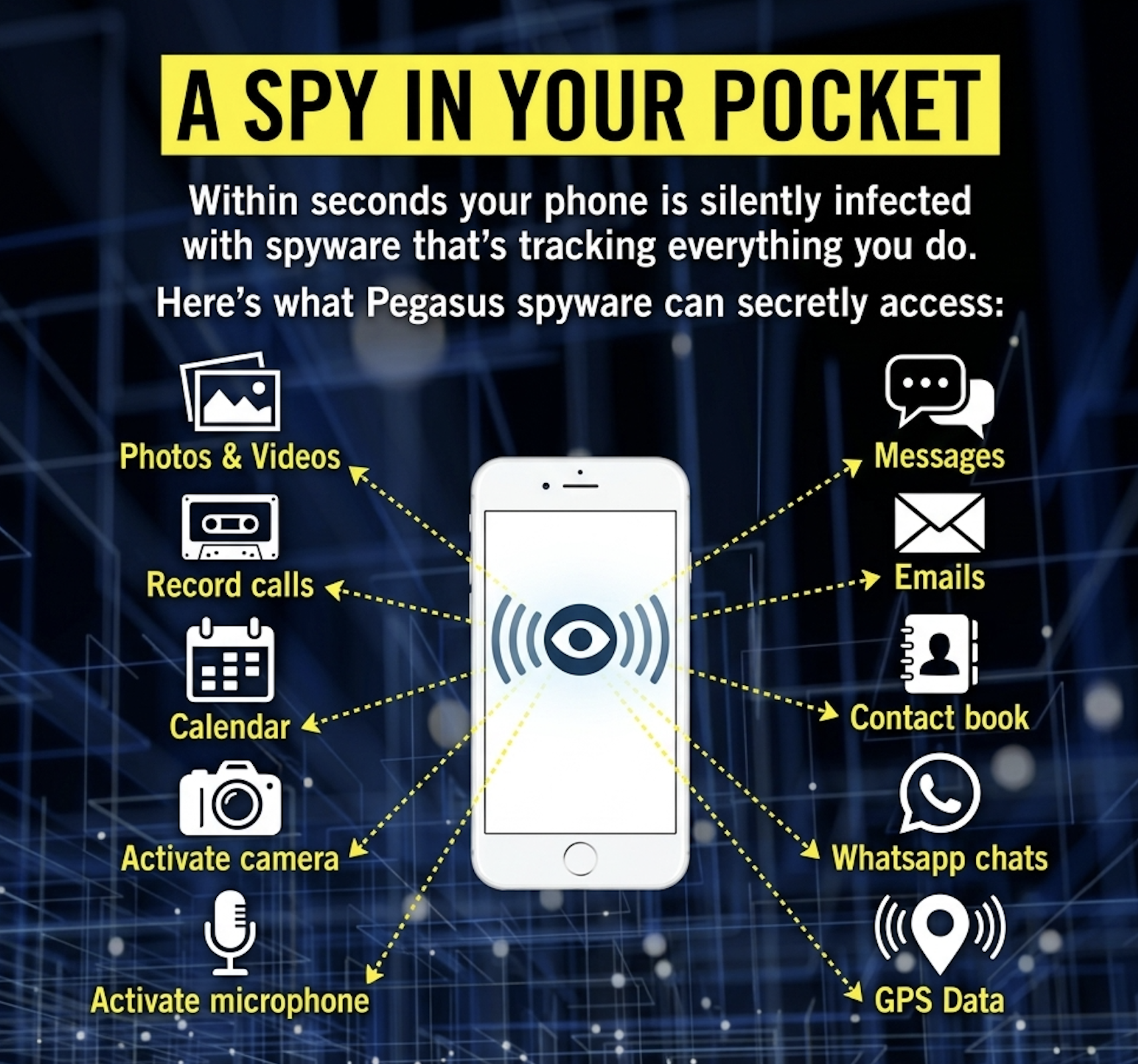
Lockdown Mode is an optional, extreme security setting introduced in iOS 16 (2022) that disables or restricts high-risk features on Apple devices to block zero-click mercenary spyware attacks like Pegasus. It is designed for users who believe they may be personally targeted by state-sponsored attackers.
- 01Lockdown Mode was introduced in iOS 16 (2022) specifically to counter mercenary spyware
- 02It disables message attachments, link previews, JavaScript JIT, and other high-risk features
- 03It is optional and targeted at high-risk individuals — not recommended for general users
- 04It significantly reduces the attack surface for zero-click exploits
- 05Some Pegasus variants (LOCKDOWN-LESS, 2024) have targeted devices even with Lockdown Mode enabled
What Is Lockdown Mode?
Lockdown Mode is a voluntary security setting available on iOS 16+, iPadOS 16+, and macOS Ventura+ that provides an extreme level of protection against mercenary spyware. When enabled, it disables or severely restricts features that have been used as zero-click attack vectors — particularly those involving automatic content processing in messages and web content.
Apple introduced Lockdown Mode in direct response to the Pegasus scandal and the documented use of zero-click exploits like FORCEDENTRY and BLASTPASS against journalists, activists, and politicians. It is designed for users who believe they may be personally targeted by state-sponsored attackers — not for the general public.
What Lockdown Mode Restricts
Messages
- Most message attachment types are blocked (except common image types)
- Link previews in Messages are disabled
- Unsolicited iMessage invitations from unknown senders are blocked
Web Browsing (Safari)
- JavaScript JIT (Just-In-Time compilation) is disabled — all JavaScript is interpreted, which is slower but more secure
- Some complex web fonts are disabled
Apple Services
- FaceTime calls from numbers you have not previously called are blocked
- Non-Apple Invitations (e.g., calendar invites from unknown senders) are blocked
Device Connections
- Wired connections to a computer or accessory require the device to be unlocked
- Configuration profile installation is blocked
- Device Management enrollment is blocked
Photos
- Shared albums are removed from the device (but not deleted from iCloud)
- New shared albums cannot be joined
Configuration
- Configuration profiles cannot be installed
- MDM (Mobile Device Management) enrollment is blocked
How to Enable Lockdown Mode
- Open Settings
- Tap Privacy & Security
- Scroll to the bottom and tap Lockdown Mode
- Tap Turn On Lockdown Mode
- Read the warning and tap Turn On & Restart
- Enter your passcode to confirm
- The device will restart with Lockdown Mode enabled
Lockdown Mode can be turned off the same way (Settings → Privacy & Security → Lockdown Mode → Turn Off). The device will restart again when you disable it.
Trade-offs of Lockdown Mode
| Aspect | Lockdown Mode ON | Lockdown Mode OFF |
|---|---|---|
| Message attachments | Most blocked | All allowed |
| Link previews | Disabled | Enabled |
| Safari JavaScript | Interpreted (slower) | JIT (fast) |
| FaceTime from unknown | Blocked | Allowed |
| Wired connections | Require unlock | Always allowed |
| Shared albums | Removed | Available |
| Config profiles | Blocked | Allowed |
| Zero-click risk | Significantly reduced | Standard |
| Daily usability | Degraded | Normal |
Is Lockdown Mode Enough?
Lockdown Mode significantly reduces the attack surface for zero-click exploits, but it is not a guarantee of protection. In 2024, Citizen Lab documented a Pegasus variant (referred to as "LOCKDOWN-LESS") that exploited a vulnerability in iOS 17 even on devices with Lockdown Mode enabled. Apple patched this vulnerability, but the incident demonstrates that Lockdown Mode is a defense-in-depth measure — not an absolute barrier.
Lockdown Mode should be combined with other protective measures:
- Keeping the OS fully updated
- Using hardware security keys for account 2FA
- Monitoring for Apple Threat Notifications
- Using a secondary device for sensitive communications
- Regular forensic checks if at high risk
Who Should Use Lockdown Mode?
Lockdown Mode is designed for users at elevated risk of targeted, state-sponsored attack:
- Journalists investigating corruption, human rights, or national security
- Human rights activists and civil society leaders
- Politicians, government officials, and political operatives
- Lawyers representing dissidents or opposition figures
- Researchers studying surveillance or state actors
- Anyone who has received an Apple Threat Notification
- Anyone who has been forensically confirmed as a Pegasus target in the past
For most users, the usability trade-offs of Lockdown Mode are not worth the reduced functionality. Standard security practices (updates, strong passwords, 2FA) are sufficient for the general public.