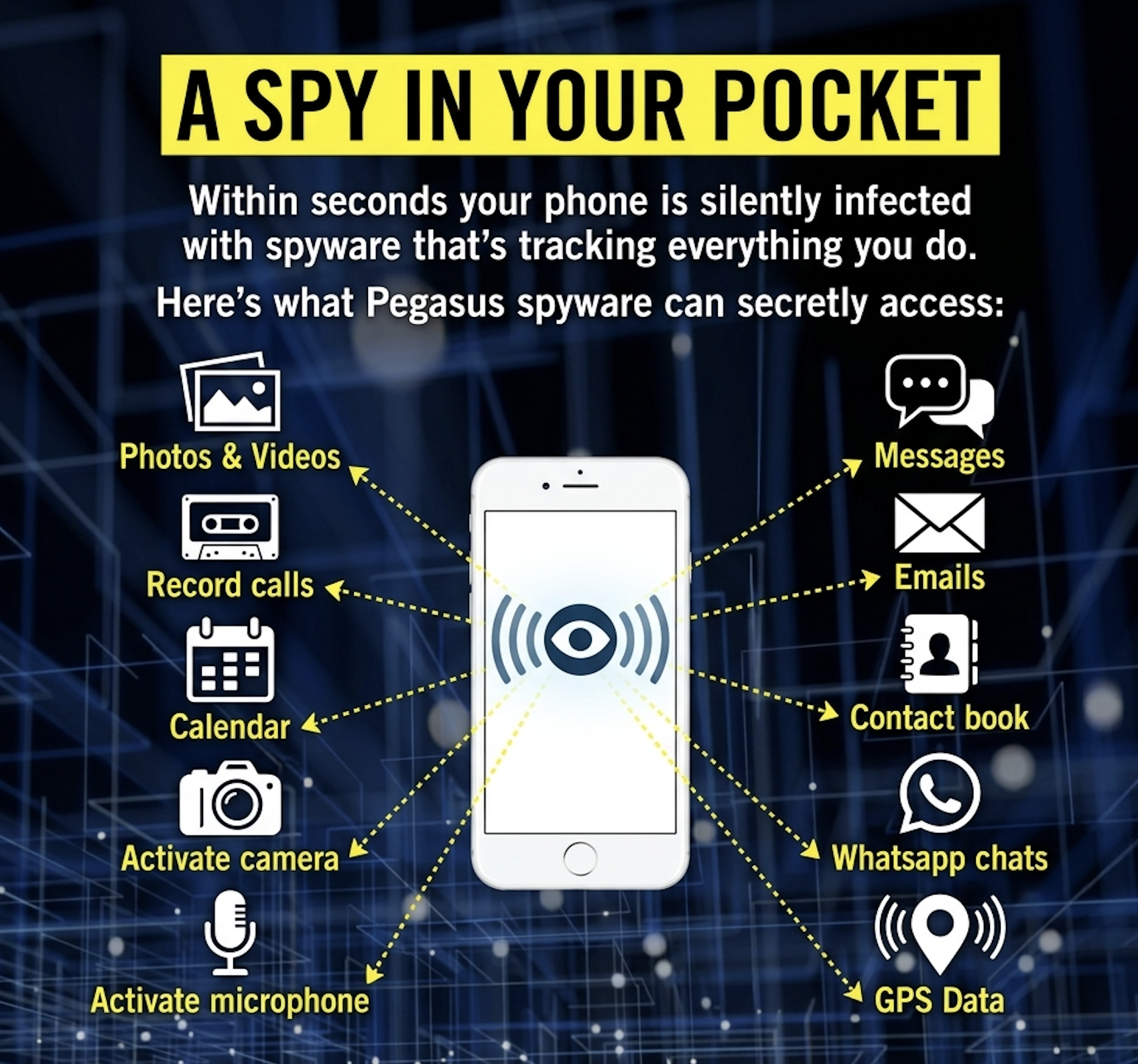
Defending Against Zero-Click Pegasus Attacks: iOS and Android Mitigations in 2026
There is no complete defense against a zero-click exploit delivered by a well-funded operator. This is the honest starting point. What defense can do is reduce the probability of successful exploitation and increase the cost to the attacker. This article covers the practical mitigations available to high-risk users in 2026.
The Limits of Defense
There is no complete defense against a zero-click exploit delivered by a well-funded operator. This is the honest starting point. A zero-click attack exploits a vulnerability in code that the operating system runs automatically, and as long as such code exists, the possibility of exploitation exists. What defense can do is reduce the probability of successful exploitation and increase the cost to the attacker. This article covers the practical mitigations available to high-risk users in 2026.
Lockdown Mode (iOS)
Apple introduced Lockdown Mode in iOS 16 (2022) as an opt-in, extreme protection layer for users who believe they may be targeted by sophisticated mercenary spyware. When enabled, Lockdown Mode disables or restricts a set of features that have historically been attack vectors:
- Message attachments. Most message attachment types other than images are disabled. Link previews are disabled.
- JavaScript. Just-in-time JavaScript compilation is disabled in Safari, blocking a class of browser exploits.
- Apple services. Incoming FaceTime calls from unknown numbers are blocked. HomeKit invitations are blocked.
- Wired connections. The device will not accept a wired connection to a computer or accessory unless it has been unlocked and the user explicitly trusts the device.
- Configuration profiles. Installation of configuration profiles is blocked.
Lockdown Mode is not a guarantee. The BLASTPASS exploit chain in 2023 affected devices even with Lockdown Mode enabled, though Apple patched the underlying vulnerability rapidly. The value of Lockdown Mode is that it removes the most common and lowest-cost attack surfaces, forcing an attacker to invest in more expensive and less reliable techniques. For users at genuine risk of mercenary spyware targeting, the usability trade-offs are justified.
Rapid Patching
The single most important defensive behavior is applying operating system updates as soon as they are available. NSO Group and similar operators rely on the gap between the discovery of a vulnerability and its patching. Every day a device remains unpatched after an update is released is a day the device is exposed to exploits that are now publicly known.
For organizations protecting high-risk individuals, patching should be treated as a security-critical workflow, not a convenience. Automatic updates should be enabled. Users should be notified immediately when a security update is available.
Device Hygiene
Beyond Lockdown Mode and patching, several practices reduce risk:
- Minimize installed applications. Every application is a potential attack surface. High-risk users should install only applications they actively use and trust.
- Avoid sideloading. On Android, installing applications from outside the Play Store increases the risk of installing a trojanized application. On iOS, sideloading via enterprise certificates or TestFlight has been abused by spyware operators.
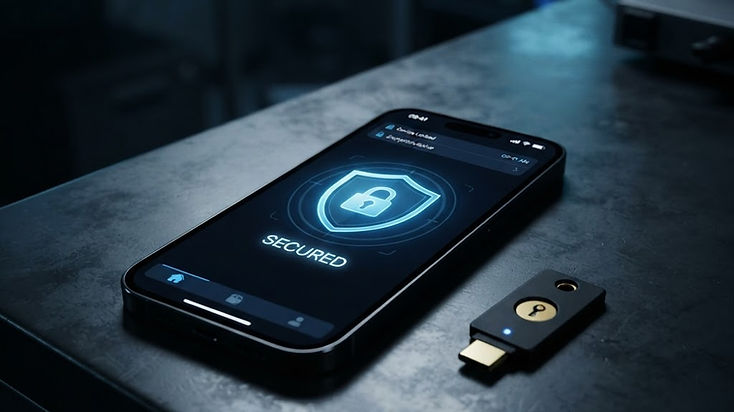
- Use hardware security keys. For accounts that support it, a hardware security key provides phishing-resistant second-factor authentication. If a device is compromised, the attacker may capture passwords, but a hardware key prevents the attacker from using those credentials to access protected accounts from another device.
- Separate devices for sensitive communications. High-risk users should consider conducting sensitive communications on a dedicated device that is used for nothing else, reducing the attack surface from applications and browsing.
Detection Alongside Defense
Defense and detection are complementary. A high-risk user should not rely on defense alone. They should also have a detection plan: regular backups analyzed with MVT, attention to Apple threat notifications, and a relationship with a forensic lab that can conduct an emergency analysis if compromise is suspected.
What Does Not Work
Several commonly suggested measures do not meaningfully protect against Pegasus:
- Factory reset. A factory reset removes user data but does not guarantee removal of a kernel-level implant that has modified system partitions.
- Antivirus applications. Mobile antivirus applications run in the application sandbox and cannot detect kernel-level spyware that hides itself from the application layer.
- Airplane mode. Airplane mode disables radios but does not remove an implant that is already on the device. The implant can queue data for exfiltration and transmit it when radios are re-enabled.
- Switching to a different phone. If the threat model is a state-level operator, switching devices does not change the targeting. The operator will attempt to compromise the new device.
References
- Apple, About Lockdown Mode, support documentation, 2022 through 2026.
- Citizen Lab, BLASTPASS, September 2023.
- Amnesty International Security Lab, MVT documentation.